
Home / Download
Potato Download
Official free PC installer
Version 2.4.0 for Windows 10/11 and macOS 12+. After install, send end-to-end encrypted messages and original files, then sync across devices. Binaries ship from official object storage; this host does not store the file.
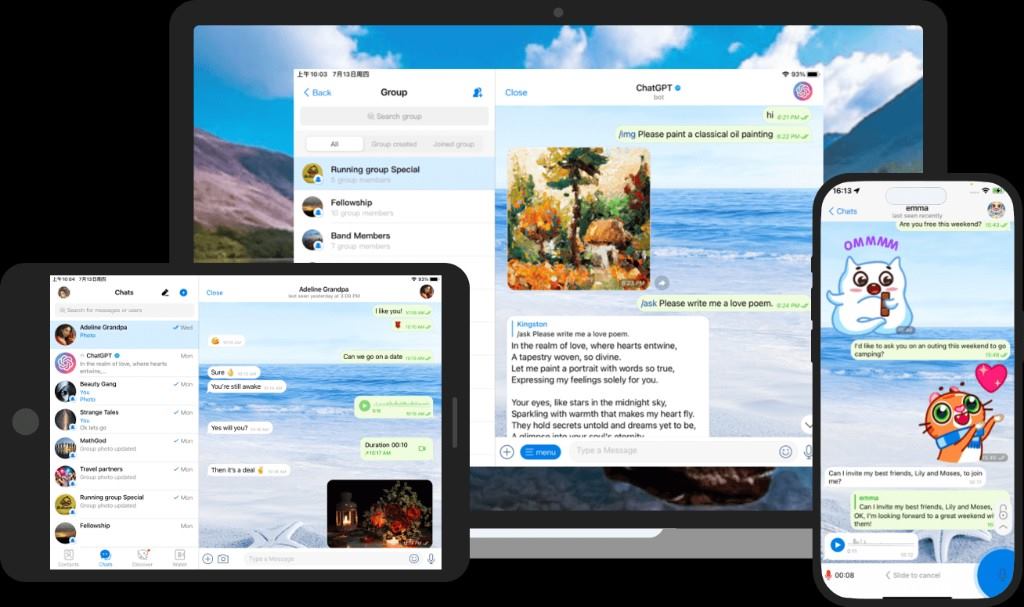
Which Potato PC build should I download?
Desktop is the main channel. Mobile syncs with it instantly. This site does not host binaries. Download and install are free.
Potato for PC · Windows
v2.4.0 · Windows 10 / 11 · about 85 MB · E2E / translation / scripts / original files
Potato for PC · macOS
v2.4.0 · macOS 12+ · about 90 MB · same account as Windows, instant sync
How do I download and install Potato for PC?
- 1
Open the official page
The host must be pc-potato.com. The lock icon should match that name.
- 2
Fetch from official storage
Use the button for your OS. Skip other drives and forum attachments.
- 3
Install
Windows: run as administrator. macOS: drag into Applications.
- 4
Sign in and send
Contacts sync at once. Send text, originals, or a local file. Calls are encrypted.
What are common Potato download questions?
How do I install Potato for PC?
Open this page and fetch the installer from official object storage. This site does not host the file.
What are Potato PC system requirements?
Windows 10/11 or macOS 12+, 4 GB RAM recommended. About 85–90 MB, version 2.4.0.
Is Potato download free?
Yes. Use pc-potato.com only.
Why must I use the official Potato site?
A modified client can break end-to-end encryption. Packages not linked from this page are unofficial.