
Privacy first, end-to-end encryption
Every message, call, and file transfer is end-to-end encrypted. The conversation is yours; there is no unauthorized access to plaintext.
Official site · PC app
Potato pairs strong communication tools with a simple interface: end-to-end encryption, in-app translation, a scene-based script library, and uncompressed media for users at home and abroad.
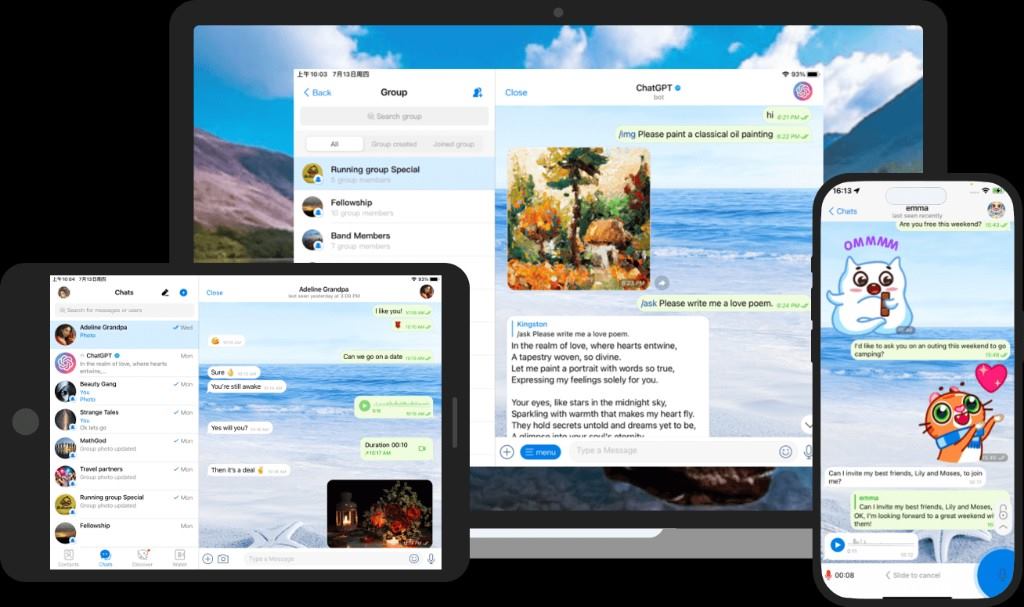
Features
Encryption, translation, and team controls are the default path, not buried toggles.
Every message, call, and file transfer is end-to-end encrypted. The conversation is yours; there is no unauthorized access to plaintext.
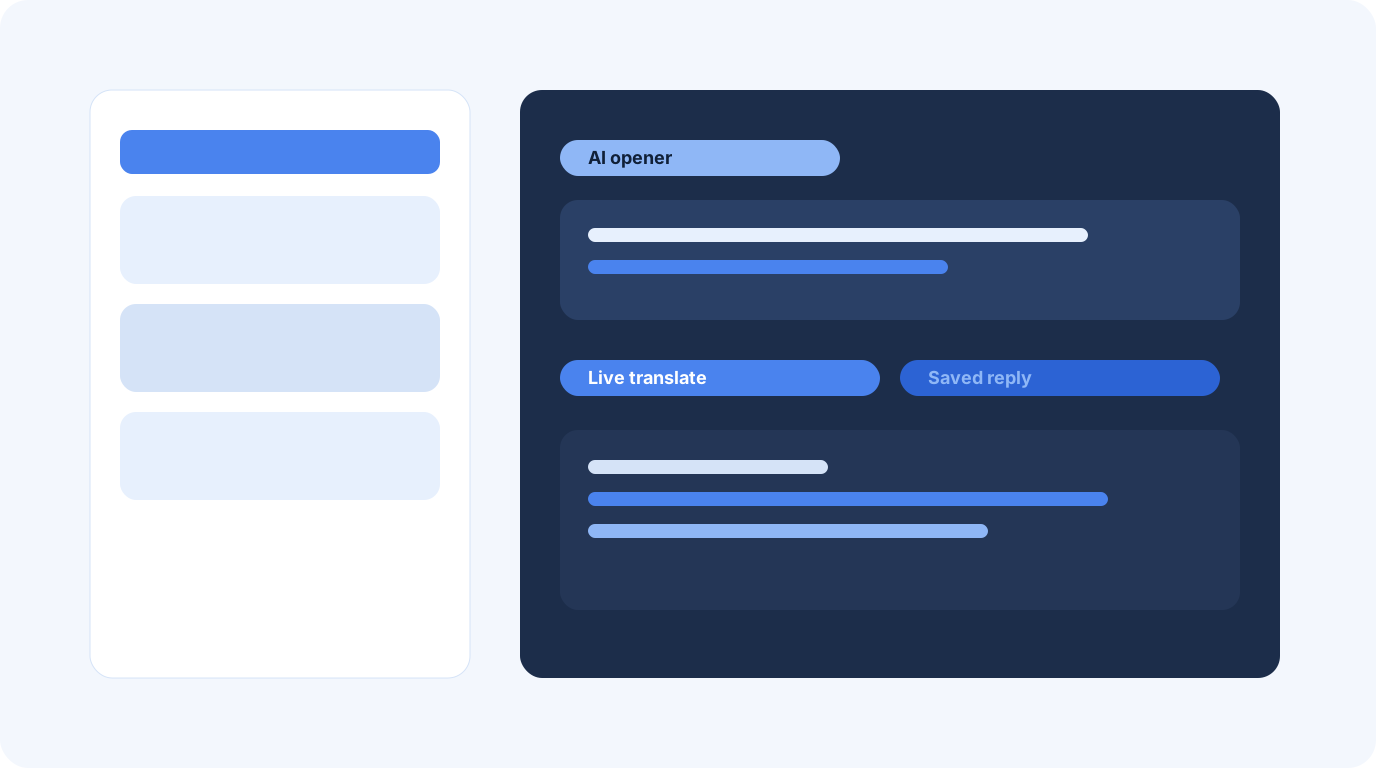
Save frequent replies, use AI-generated openers to break the ice, and translate messages without leaving the app; cross-border teams stay in one window.

Share HD photos, video, voice notes, and any file type without compression. Group voice and video, pinned announcements, and admin controls suit large communities or tight teams.
Compare
Both are messengers. Default capabilities differ. The table uses numbers engines can quote.
| Item | Ordinary messenger | Potato |
|---|---|---|
| Encryption scope | Transport only, or secret chat as an option | Messages, calls, and files encrypted by default |
| Media compression | Photos often reduced to about 60%–70% size | 0 compression; original files |
| UI languages | Often 1–8 | 19 fully localized languages |
| Smart replies | None, or an external translator | Saved replies + AI openers + in-app translation |
| Script library | No scene scripts | Guides and scripts grouped by scenario |
| Team tools | Basic groups | Group A/V, pinned posts, flexible admin control |
| Devices | Delayed sync or manual export | Instant sync of messages and contacts |
Reviews
Cross-border ops · Singapore
★★★★★
"I need encryption and live translation on quotes. Potato keeps both in one PC app from the official download page."
Design studio · Berlin
★★★★★
"Original files keep color. Group video stays stable. Scene scripts help new hires on a first client call."
Remote lead · Shenzhen
★★★★★
"Pinned posts and admin roles keep a large group usable. I start on the phone and continue on the desktop without hunting history."
Guide
Ops, product, features, and a short how-to. The long version is on the guide page.
Ops
Contract wording, unpublished prices, codes, and cross-border schedules. Archive invoices in email. Save a reply: "This channel is encrypted; send originals."
Product
Session keys are created on the devices. Text, A/V calls, and attachments share one end-to-end path. The server never sees plaintext.
Features
Open live translation on a bubble; pick a script by scenario; customize theme, wallpaper, and alerts. Switch among 19 UI languages in settings.
How-to
Keep brief.pdf or a camera original on disk, then send it once. Do not compress it in another app first. Stay under 2 GB; skip real names in the filename.
Potato is a next-generation messenger for richer conversations. The official site pc-potato.com offers the PC download for daily chat and cross-border teams.
Both are messengers, but Potato encrypts messages, calls, and files by default and includes translation, saved replies, AI openers, and a scene-based script library.
Only from https://pc-potato.com/en/download.html. Installers not linked from this host are unofficial.
Every message, call, and file transfer uses end-to-end encryption. The conversation belongs to you.
Potato ships 19 fully localized languages.
Yes. HD photos, video, voice notes, and any file type are sent without compression by default.
Use the official installer on this host only. Avoid third-party packages.
Go to Potato download